
I still remember the first time I sat down at a sewing machine on purpose. I had a thrifted skirt that almost fit, a pile of YouTube tabs open, and the strong feeling that everyone else had received a secret sewing dictionary except me. If you are buying your first machine right now, you might be wondering the same thing I did: should I get a simple mechanical machine, or jump straight to a computerized one?
Here is the good news: you can learn to sew on either. The best “beginner machine” is the one that makes you want to sit down and practice. But there are real differences in how these two types feel, how they hold up over time, and what you get for your money.
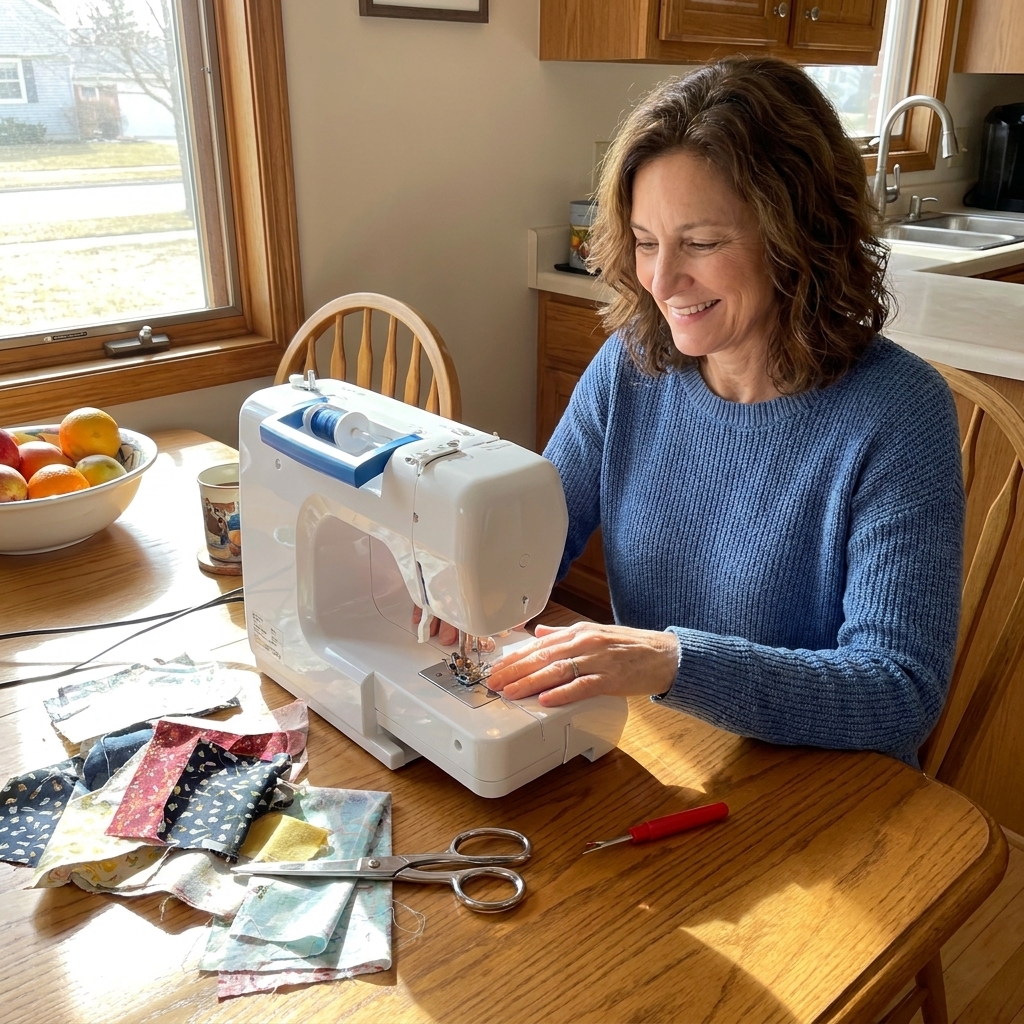
Quick definitions
Mechanical sewing machine
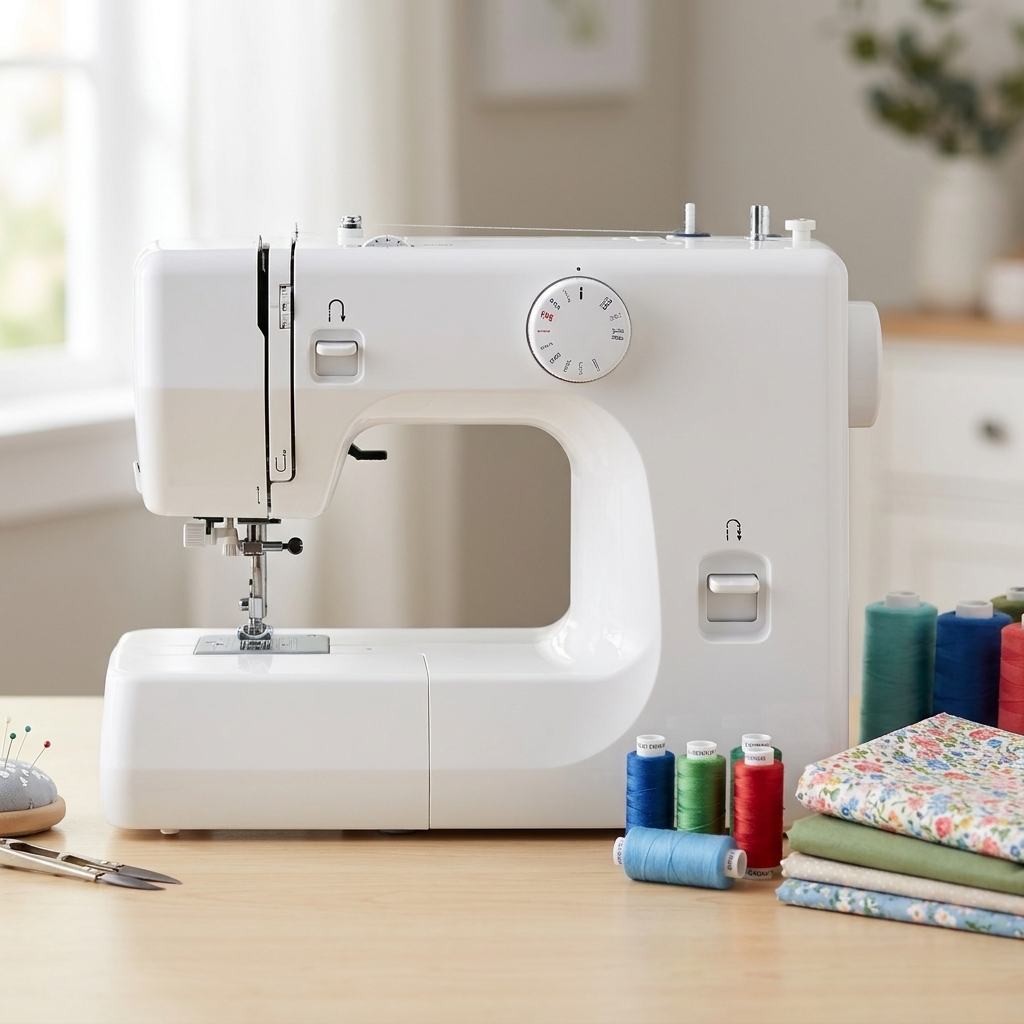
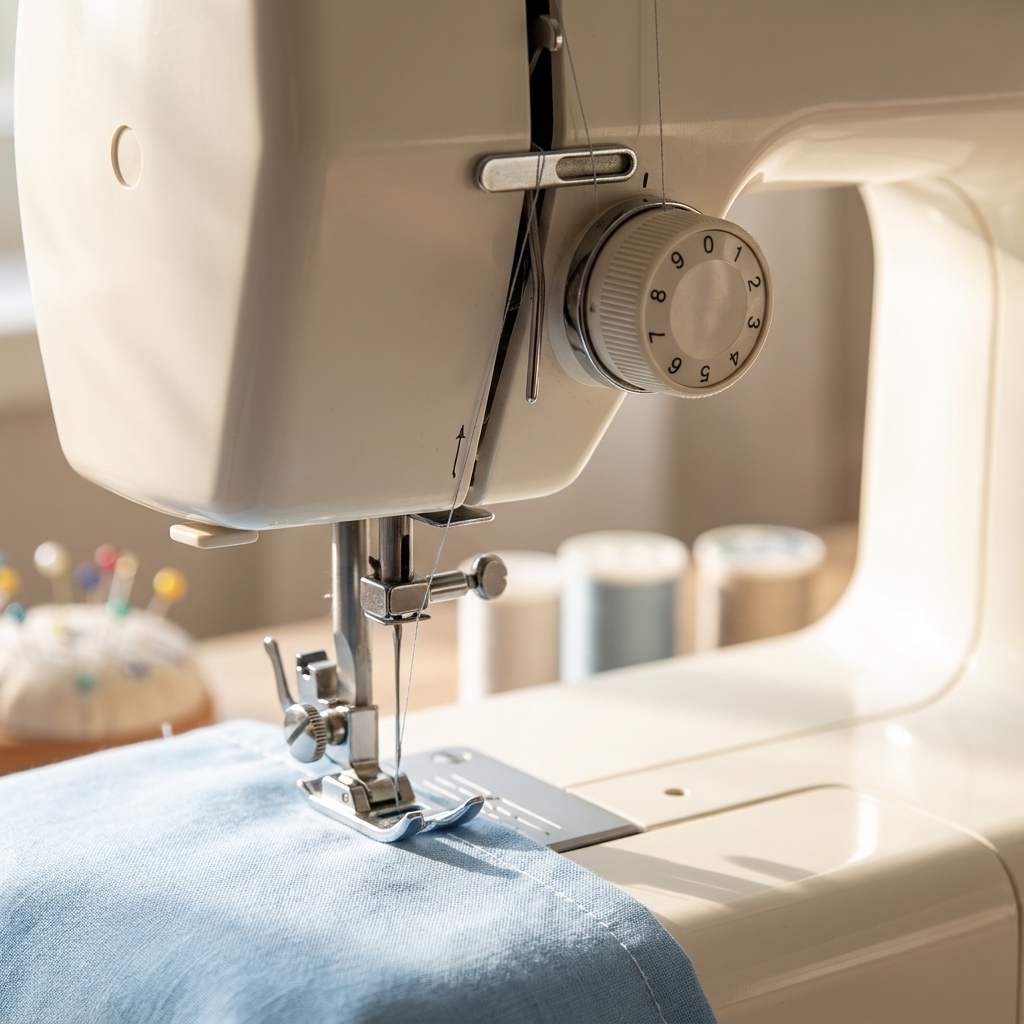
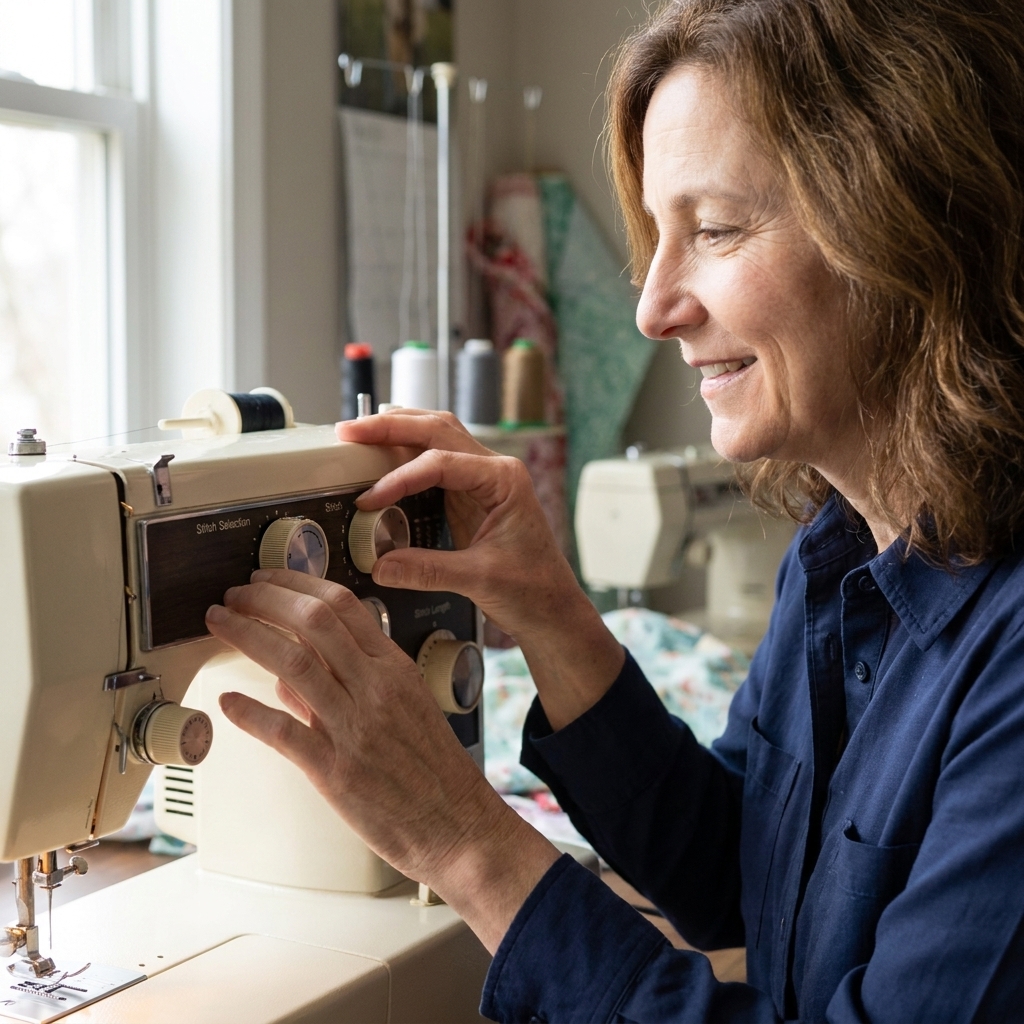
A mechanical machine uses dials, knobs, and levers to control your stitch type, stitch length, stitch width, and tension. When you turn a dial, you are physically moving parts inside the machine. It is very hands-on and very direct.
Computerized sewing machine
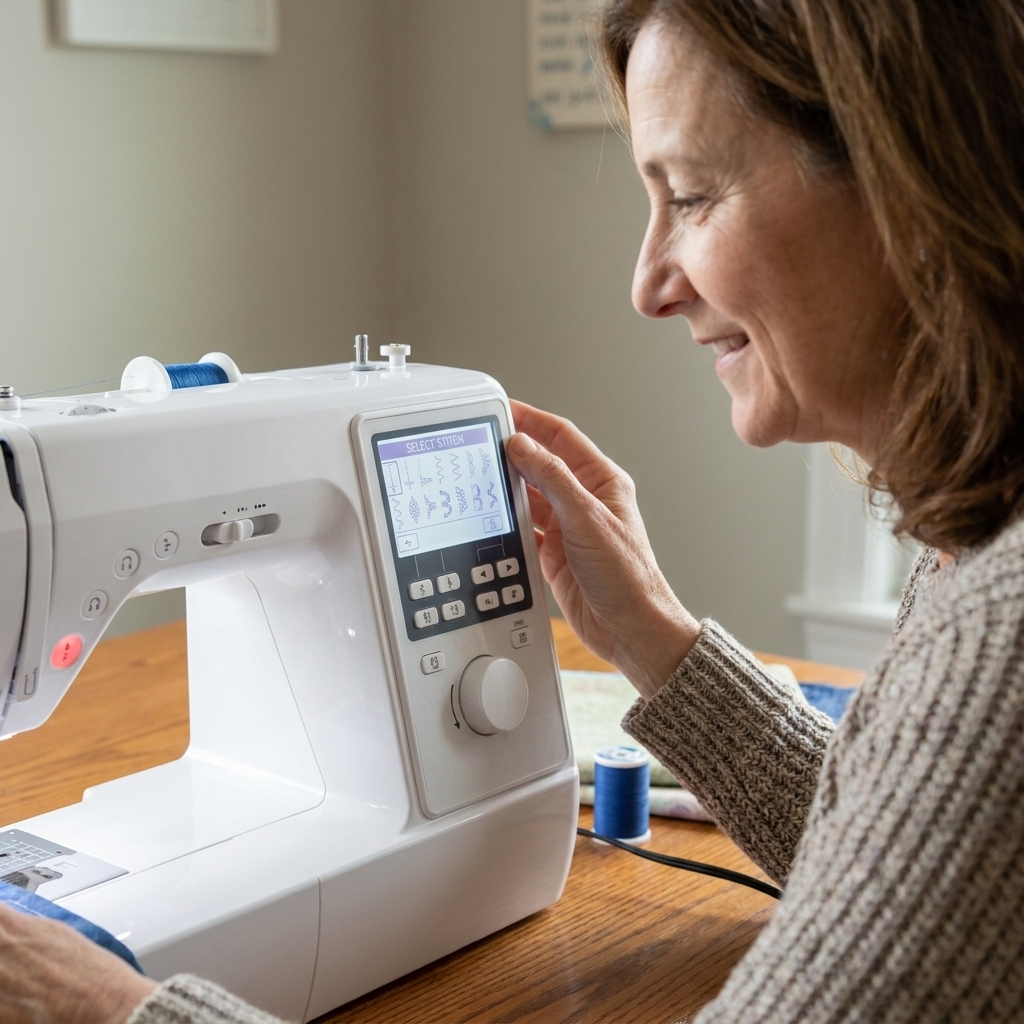
A computerized machine uses buttons (sometimes a touchscreen) and a small computer inside to control settings. You choose a stitch on a screen or panel, and the machine often sets default stitch length and width for you (which you can usually adjust). Many models also offer features like speed control, needle up/down, and one-step buttonholes.
Which is better for beginners?
Most beginners do wonderfully with a mechanical machine, especially if your main goal is to learn fundamentals: threading, straight stitching, turning corners, basic hems, and simple seams.
A computerized machine can also be a great beginner choice if:
- You love push-button simplicity and do not want to guess at starting settings
- You get frustrated by trial-and-error adjustments and want helpful defaults
- You have hand or joint pain and want features like speed control and needle up/down
- You know you want to sew garments and buttonholes regularly
Think of it like this: mechanical machines teach you to drive stick shift. Computerized machines are more like automatic transmission. You can get where you are going with either, but the experience feels different.
Mechanical machines: pros and cons
Pros
- Simple controls you can see and feel. Turning a dial and watching the stitch length change helps your brain connect cause and effect quickly.
- Usually less expensive. Great when you are not ready to invest big yet.
- Often easier to troubleshoot. Many problems are the basics: rethread, change needle, adjust tension, clean lint.
- Can be very sturdy for the price. Fewer electronics means fewer electronic failures.
Cons
- More manual setup. You will set stitch length and width yourself, and you will learn tension by feel.
- Fewer convenience features. You may not get speed limiting, needle up/down, or an automatic thread cutter.
- Buttonholes vary by model. Some are easy, some are a character-building experience.
Great fit if you:
- Want to learn the basics with the least fuss and cost
- Plan to sew mostly cottons, quilting cotton, simple garments, and home projects
- Like the idea of a no-nonsense machine
Computerized machines: pros and cons
Pros
- Beginner-friendly guardrails. On many models, choosing a stitch gives you a solid starting point for length and width, so you are not making every decision from scratch.
- Excellent buttonholes on many models. One-step buttonholes can feel like magic the first time you use them.
- Convenience features that reduce stress. Depending on the model, you may get speed control, a start/stop button (sewing without the foot pedal), needle up/down, automatic tie-off, and an automatic needle threader.
- More stitch options. Useful if you want decorative stitches, stretch stitches, or more built-in utility stitches.
Cons
- Higher starting price. You are paying for features and electronics.
- Repairs can cost more. If something electronic fails outside warranty, it can be pricier than a mechanical tune-up.
- More to scroll through. The menu and stitch library can feel like a lot when you just want to sew a hem.
Great fit if you:
- Want a machine that helps you choose starting settings
- Know you will sew garments (buttonholes, zippers, stretch fabrics) right away
- Value comfort features like speed control and needle up/down
Durability and lifespan
This is where beginners get mixed messages. You will hear “older machines are tanks” and “computers break,” and sometimes that is true. But durability is not only about mechanical vs. computerized. It is also about build quality, maintenance, and how hard you push the machine.
Mechanical durability
Mechanical machines can be wonderfully durable because they rely less on electronics. If you clean lint regularly, change needles, and do not force thick layers through a lightweight machine, a good mechanical model can last many years.
Computerized durability
Computerized machines can also last a long time, especially from reliable brands and when kept dust-free and covered. The tradeoff is that if a circuit board or screen fails, the repair is more specialized. That does not mean computerized equals fragile. It just means the repair path can be different.
A reality check about “heavy duty”
If you plan to sew denim hems, canvas bags, or multiple layers of thick fabric, the biggest factor is the machine’s strength and feeding ability, not whether it has a screen. Some entry-level machines of both types struggle with heavy materials.
If you want to dabble in heavier projects, look for strong feeding (a solid feed dog system, good presser foot lift, and walking foot compatibility), a motor with a good reputation for piercing power, and a machine that supports the needle sizes you need. If adjustable presser foot pressure is available, that can be a bonus for tricky layers and knits.
Price points
Prices vary by brand, sales, and where you live, but these ranges are common starting points for new machines.
| Type | Common beginner price range | What you usually get |
|---|---|---|
| Mechanical | $100 to $250 | Core utility stitches, basic buttonhole (often 4-step), manual settings |
| Computerized | $200 to $500 | More stitches, one-step buttonhole on many models, some convenience features depending on model |
| Step-up computerized | $500 to $900+ | Often quieter operation, better lighting, stronger feeding, more automation and accessories |
If your budget is tight, I would rather see you buy a solid mechanical machine from a trusted brand than a flashy computerized one with lots of stitches you will not use and a fussy temperament.
Learning curve
It depends on what “faster” means for you.
If you want to understand fundamentals
Mechanical machines are excellent teachers. You learn what stitch length does because you adjust it. You learn tension because you see what it does to the seam. Those lessons stick, and they transfer to every machine you will ever use.
If you want fewer early roadblocks
Computerized machines can feel smoother for a true beginner because many settings start out pre-balanced for the stitch you choose. If your goal is “I want to make a wearable skirt this month,” the extra guidance can help.
Either way, your best learning tools are the unglamorous ones: fresh needles, good thread, and a seam ripper you are not ashamed to use.
Stitches you actually need
You do not need 200 stitches to start. For most beginner projects, this short list will take you far:
- Straight stitch (and a reverse button for locking seams)
- Zigzag stitch (for finishing raw edges and basic stretch)
- Stretch stitch such as a lightning bolt stitch or triple zigzag (helpful if you sew knits)
- Buttonhole (4-step or one-step, as long as it is consistent)
- Blind hem (optional, nice for pants and skirts)
Features that matter most
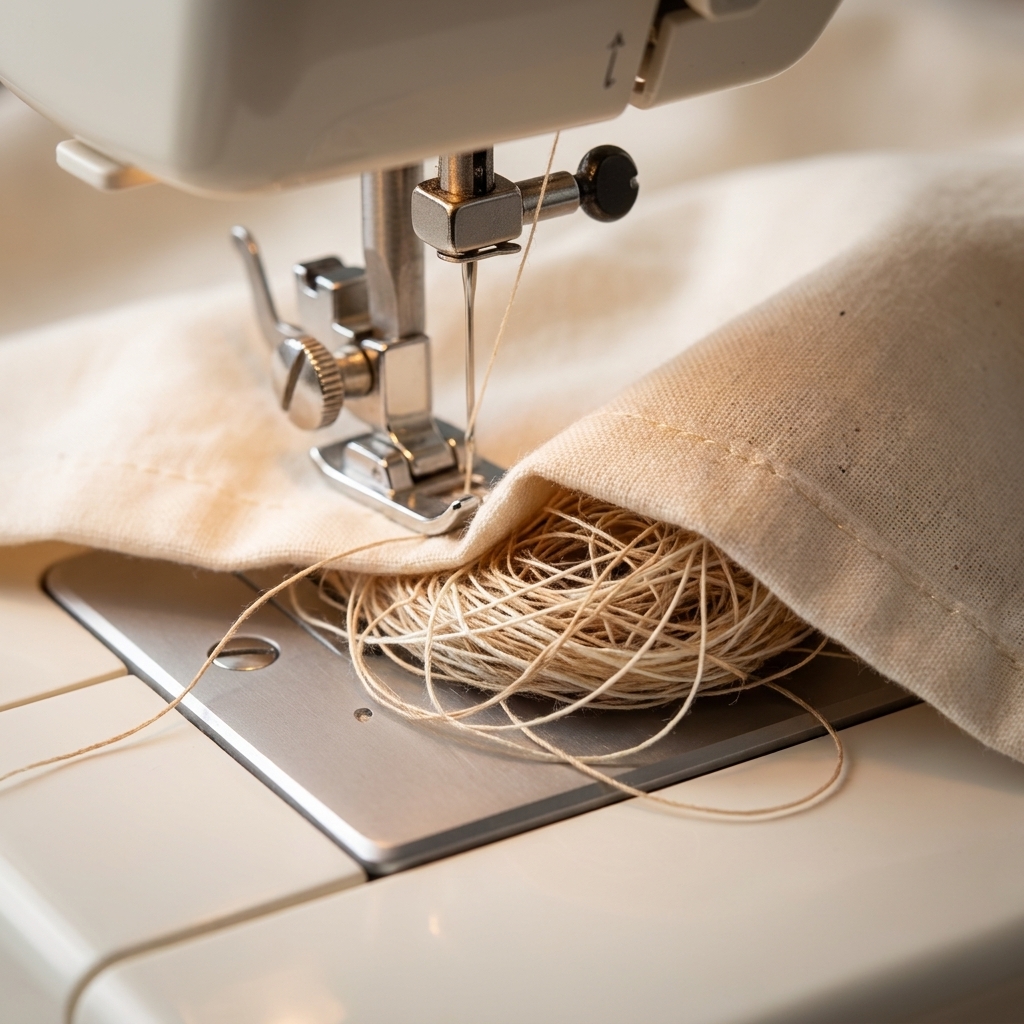
If you ignore everything else, pay attention to these. They are the difference between “I love sewing” and “why is this making bird nests” (thread bunching up under the fabric).
- Adjustable stitch length and width. You do not need a huge stitch library, but you do need control.
- A decent buttonhole. Even if you do not sew garments yet, you will eventually.
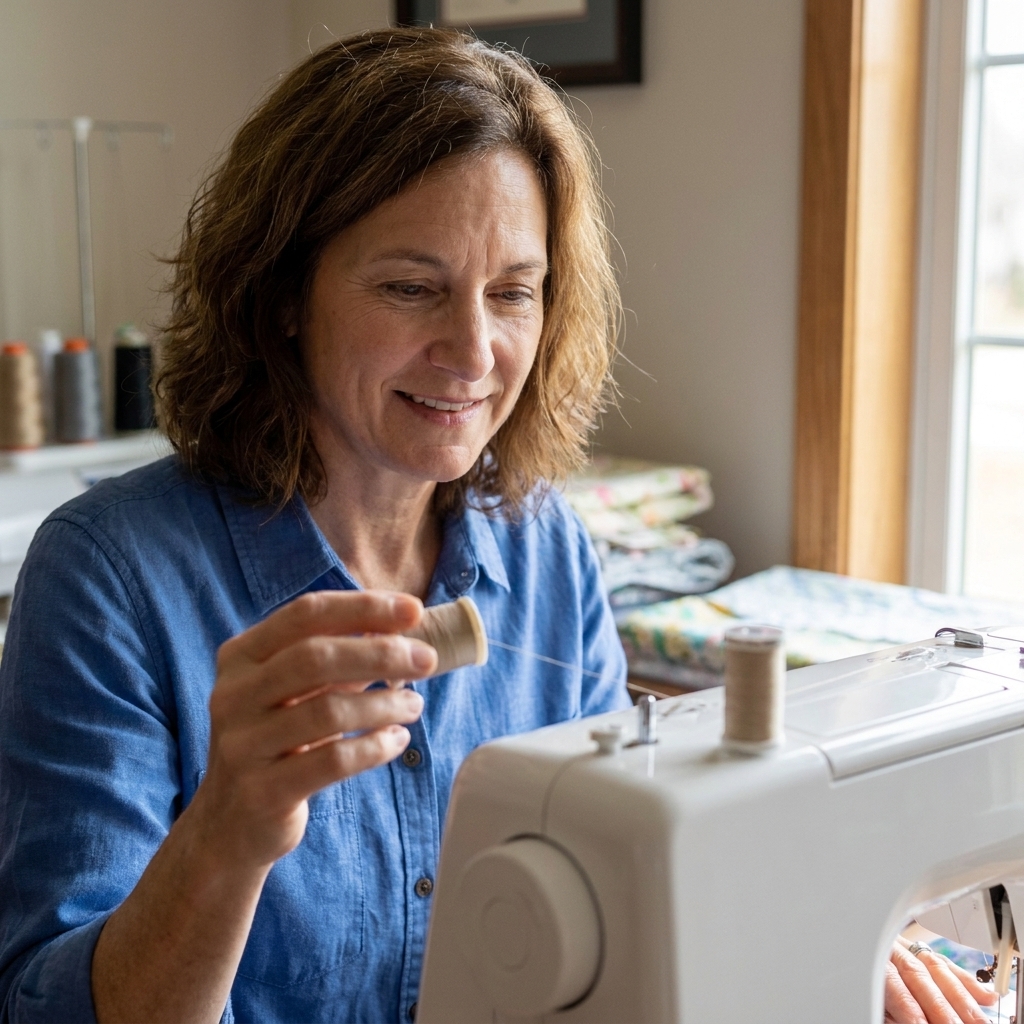
- An easy bobbin system. Many beginners like a top-drop-in bobbin because it is easy to see when you are running low.
- Adjustable presser foot pressure (nice to have). Helpful for knits and bulky layers, when available.
- Good lighting. Your eyes will thank you.
- Common, easy-to-find needles and bobbins. Avoid machines that require hard-to-source parts.
- A local repair option. Even a simple tune-up every so often can extend a machine’s life.
Brand and buying reality check
Even within one brand, entry-level lines can vary a lot from year to year. Before you buy, scan a few recent reviews (not just the star rating), and give yourself the gift of a good return policy. If you have a local dealer, it can be worth paying a little more for help with setup, a quick lesson, and easier warranty support.
Speaking of warranty: for a first machine, a solid warranty and a retailer who will actually honor returns can matter more than an extra 40 decorative stitches.
My beginner picks by goal
If you want the simplest start
Choose a mechanical machine with a handful of utility stitches, a reliable straight stitch, and a buttonhole you can practice without tears.
If you plan to sew clothes right away
Consider a computerized machine for easier buttonholes and convenience features. A speed control slider alone can be a confidence booster when you are learning to steer fabric.
If you want quilts and home projects
Either type works. Focus on throat space (the area to the right of the needle), an even feed, and a machine that feels stable on the table.
If you are buying for a teen or an easily overwhelmed beginner
Look for clear labeling, a straightforward stitch menu, and a machine that comes with a simple printed manual. Fancy features are not helpful if the machine feels intimidating.
Common beginner worries
“Will I outgrow a mechanical machine?”
Possibly, but not as quickly as you think. Many sewists keep a simple mechanical machine forever as their reliable workhorse. You outgrow a machine when it cannot do what you want, not when you become “too advanced” for knobs.
“Are computerized machines harder to thread?”
Not necessarily. Threading is more about the path and doing it in the correct order. Many computerized machines include an automatic needle threader, which can be a lifesaver.
“Which one is better for fixing tension issues?”
Mechanical machines give you more direct control, which is great for learning. But many beginner “tension” issues are not true tension problems at all. They are threading mistakes, incorrect bobbin insertion, a poorly wound bobbin, the wrong needle, low-quality thread, or lint packed in the bobbin area.
“Should I buy used?”
You can, especially for mechanical machines. If you buy used, try to:
- Test sew on it (straight stitch and zigzag)
- Check that the reverse works
- Listen for clunking or grinding
- Confirm it uses easy-to-source bobbins and feet
- Budget for a professional cleaning and tune-up
Simple decision checklist
If you want a quick gut-check, use this.
Choose mechanical if:
- You want the lowest cost from a reputable brand
- You like learning by adjusting settings yourself
- You want something straightforward to maintain
Choose computerized if:
- You want push-button stitch selection and fewer setup decisions
- You value convenience features (speed control, needle up/down, start/stop)
- You plan to make garments and buttonholes often
Whichever you pick, promise me one thing: buy a pack of fresh needles and change them regularly. A surprising amount of “my machine hates me” disappears with a new needle and a quick rethread.